
Fortnite on Cloud: Xbox Cloud Gaming vs. Amazon Luna (2025 Comparison)
Sunday, December 28, 2025Fortnite on Cloud: Xbox Cloud Gaming vs. Amazon Luna (2025 Comparison)
In the ever-evolving world of cloud gaming, Fortnite remains one of the most accessible titles, available for free streaming on multiple platforms without needing a high-end console or PC. Two major players—Xbox Cloud Gaming (part of Xbox Game Pass) and Amazon Luna—offer seamless ways to jump into Epic Games' battle royale phenomenon. Both services stream Fortnite at high quality, but they differ in access, features, performance, and availability. As of late 2025, here's a detailed head-to-head comparison to help you decide which is best for your Fortnite sessions.

Cost and Access
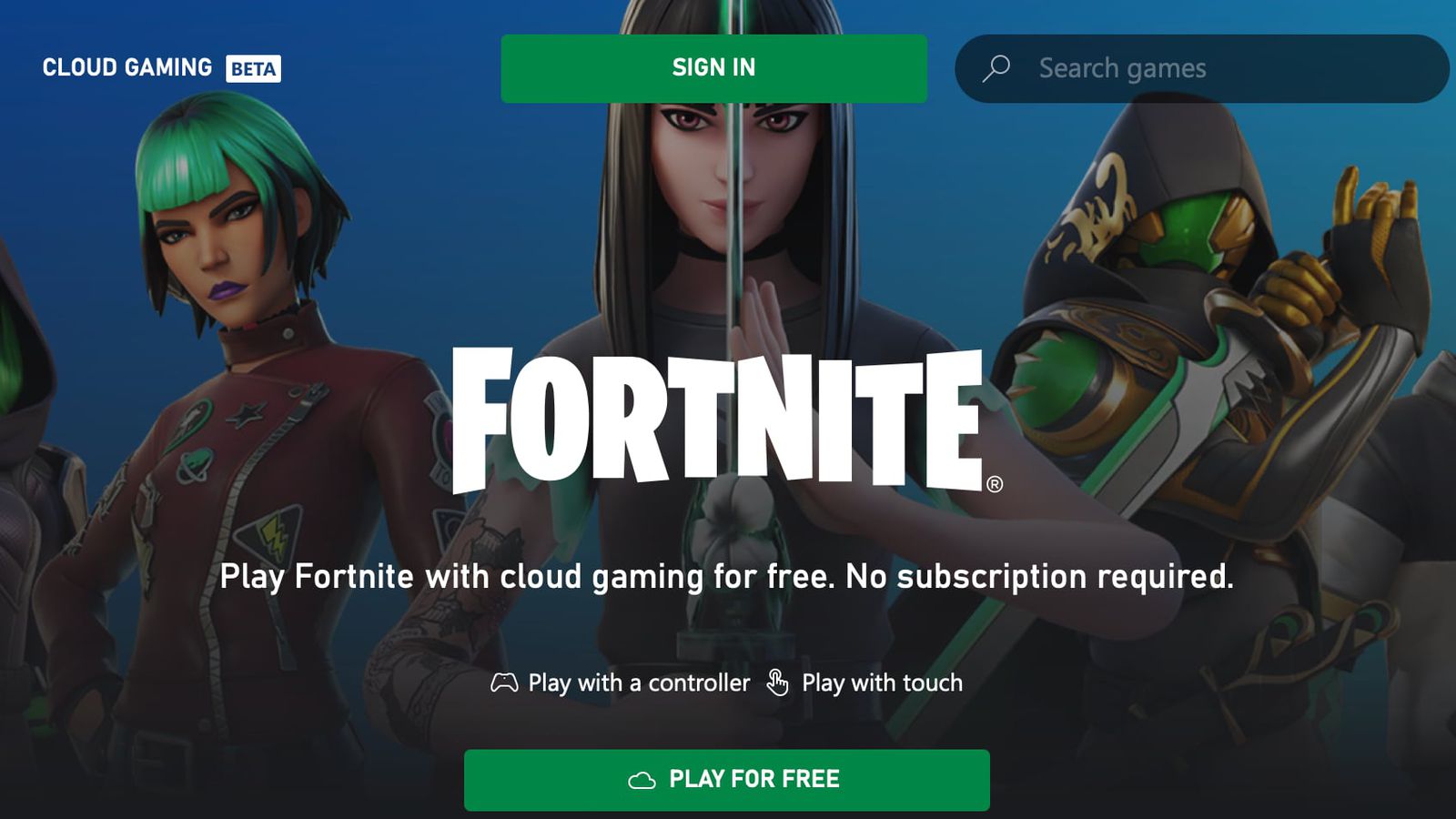
- Xbox Cloud Gaming: Fortnite is completely free to play with just a Microsoft account—no subscription required for basic access. However, free sessions are typically limited (around 1 hour in some reports, though this can vary). For unlimited playtime and no restrictions, you'll need Xbox Game Pass Ultimate (pricing varies by region, often around $15–20/month depending on tier changes in 2025).
- Amazon Luna: Unlimited Fortnite play is included with an Amazon Prime subscription (standard Prime pricing applies, e.g., ~$15/month or annual plans). Prime members get ongoing access to Fortnite Battle Royale, LEGO Fortnite, and more without extra fees or session limits. This makes Luna a strong value if you're already a Prime subscriber.
Winner for casual/free play: Xbox for truly no-cost entry; Luna for unlimited sessions with Prime.

Resolution, FPS, and Performance
Both platforms deliver solid streaming:
- Resolution and FPS: 1080p at up to 60 FPS on compatible devices.
- Performance: Generally stable 60 FPS in-game, with minor fluctuations possible on FPS counters. Input latency is noticeable on both—enough to make competitive ranked play challenging, but fine for casual matches, building, or creative modes.
- Real-world feedback varies: Some users report steadier performance on Xbox Cloud, while others praise Luna for smoother visuals in busy scenarios.
Both require a strong internet connection: At least 20 Mbps download, with 5 GHz Wi-Fi or Ethernet recommended for minimal lag.
Tie, but controller use is strongly recommended over mouse/keyboard due to latency on either service.
Device Compatibility and Input Support
- Devices: Both work on PCs, mobiles (iOS/Android via browser), Chromebooks, smart TVs (e.g., Fire TV for Luna, select Samsung/LG for Xbox), and more.
- Inputs: Controller, mouse, and keyboard are supported on both. Microphone/chat works with manual activation.
- Luna edges out with the PC version of Fortnite, allowing graphics tweaks for potentially better visuals or performance optimization.
Xbox runs the console (Xbox Series S-equivalent) version, with fixed settings.

Geographic Availability
- Xbox Cloud Gaming: Available in 29 countries as of December 2025, including recent expansions like India, Brazil, Argentina, and much of Europe, North America, Asia-Pacific, and Latin America.
- Amazon Luna: Supported in 14 countries, primarily mainland Europe (e.g., US, UK, Canada, Germany, France, Italy, Spain, Austria, Netherlands, Poland, Sweden, Portugal, Belgium, Luxembourg).
Clear winner: Xbox for broader global reach.
Which Should You Choose?
- Go with Xbox Cloud Gaming if you want the widest availability, free entry-level access, or are already in the Xbox/Game Pass ecosystem.
- Choose Amazon Luna if you have Prime (for unlimited play), prefer adjustable PC graphics settings, or find its performance more consistent in your region.
Ultimately, both make Fortnite incredibly accessible on low-end devices or mobiles, ideal for casual play, partying up with friends, or quick sessions. For serious competitive gaming, a dedicated console or PC remains superior due to cloud latency. Try both if available in your area—Fortnite's cross-play ensures your progress syncs seamlessly!