
I Switched to Linux for 5 Months, Here’s How It Went
Sunday, December 28, 2025I Switched to Linux for 5 Months, Here’s How It Went
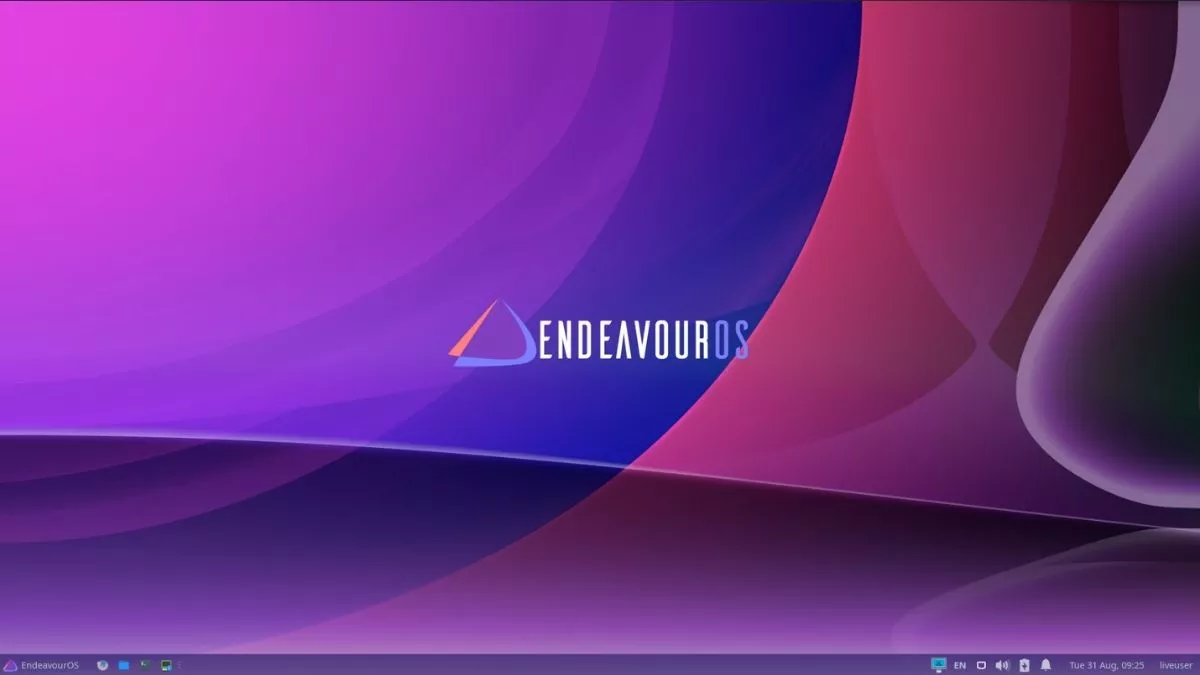
After years of dealing with Windows' bloatware and a particularly infuriating Nvidia black screen bug that just wouldn't quit, I decided to do something drastic: I wiped my drive and committed to Linux for five full months. My weapon of choice? EndeavourOS, a slick, Arch-based derivative that promises the power of Arch with a much friendlier entry point.

The clean, minimal starting point of EndeavourOS.
Why EndeavourOS?
I settled on EndeavourOS because it offers a graphical installer—saving me from the manual "Arch way" headache—while remaining much lighter than other Arch-based distros. It gives you a clean slate to build upon without the pre-installed clutter you find elsewhere. Unlike Manjaro, which has its own repositories, EndeavourOS stays very close to the Arch Linux core, meaning you get updates almost the second they are released.
The Desktop Environment Journey: Wayland and Hyprland
One of the biggest hurdles was finding a home for my windows. I initially moved from KDE Plasma to Hyprland, a dynamic tiling Wayland compositor. While Hyprland is beautiful and fast, I eventually returned to KDE Plasma. The reason? XWayland. Many apps (especially older games and Discord) don't run natively on Wayland yet; KDE Plasma simply handled the "primary monitor" definitions much more reliably, preventing my games from launching on the wrong screen.
The Learning Curve: Myth vs. Reality
People love to gatekeep Linux by saying Arch is "too hard." Honestly? It’s not. The real learning curve is understanding the Unix File System—knowing that your settings live in /etc/ and your personal files are in /home/. I also had to learn how Wine and Proton Prefixes work; think of these as "mini-Windows environments" that trick your games into thinking they are running on a Microsoft OS.
Stability and Hardware: The Nvidia Factor
Contrary to popular belief, Arch Linux was incredibly stable. I had zero "system-breaking" updates in 150 days. However, Nvidia GPU support is the "rough edge" of Linux. While gaming is great, certain features like DirectX 12 hardware acceleration in apps like browsers or Discord can be hit-or-miss. Despite this, general hardware support—like my printers and webcams—actually worked better than on Windows.
Gaming: The Anti-Cheat Wall
Can you game on Linux? Mostly, yes. Using Proton (through Steam) or the Heroic Games Launcher (for Epic and GOG), most of my library worked perfectly.
The Verdict: 5 Months Later
I’m not switching back. Linux is a more engaging, less intrusive experience. It doesn't nag me to set up a Microsoft account or force AI features down my throat. It feels like my computer again.
Final Tips for New Users
- BTRFS Snapshots: Always use the BTRFS file system. If an update breaks something, you can "time travel" back to a working state in seconds.
- The Arch Wiki: It is the "Bible" of Linux. If you have an error code, search it there first.
- The AUR: The Arch User Repository is amazing, but be careful. It's community-maintained, so check the "popularity" of a package before installing it to avoid bugs.